
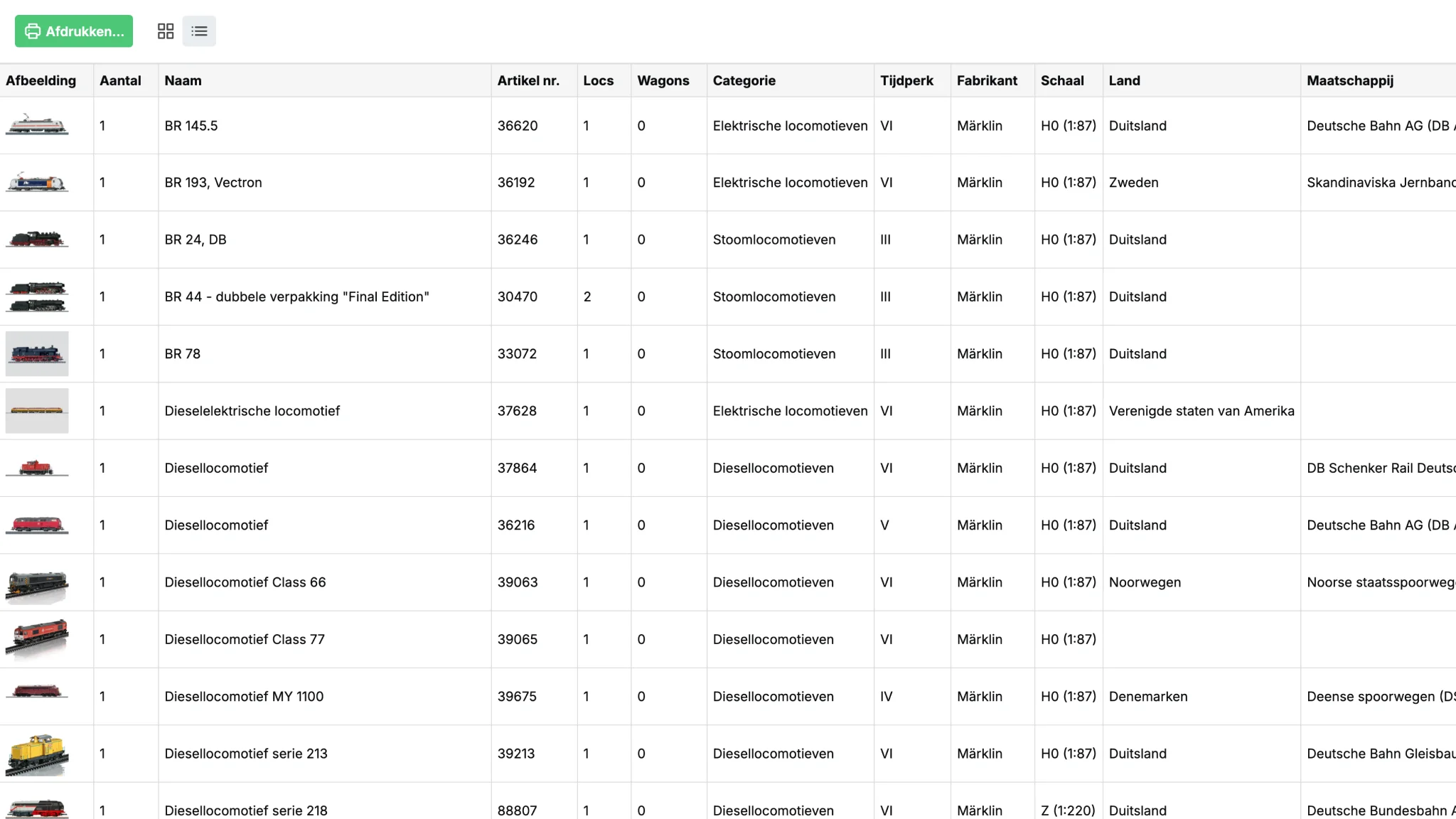
Export to file
Export your complete model train and model railway inventory, or part of it, to a PDF, Excel spreadsheet, or CSV file.
This allows you to work with your collection in other ways as well.
Export to the following file formats:
- export as PDF file
- export as Microsoft Excel file
- export as CSV file (comma-separated file)
Print on paper
Yard Tower is very easy to use on your desktop, laptop, tablet, and smartphone. But sometimes you want to print your inventory - for example when you are going to a model railway show or model railway shop.
Export your inventory in one of the file formats above and then print it out.
Choose the information you want
In Yard Tower you can use views to see part of your collection.
Every view you create yourself can be exported and printed.
For each view you can choose which columns to show or hide. This determines which data ends up in your export file.

